Keeping bibisco up to date will give you access to all of the latest features and enhancements. Depending on what type of update you need, and which platform was used for the purchase, there will be a different process for downloading the updated version.
Major Updates #
When it comes to major updates (e.g., version 4 → 5), you will receive an email with specific instructions for the update process.
Minor Updates #
For any minor updates (e.g., 5.0.1 → 5.1.1), you can download it from either the Lemon Squeezy or Gumroad order history, or from the order confirmation email.
Please follow the steps in our How to download bibisco article for the details.
Installation #
Install the new version using these instructions.
Configuration #
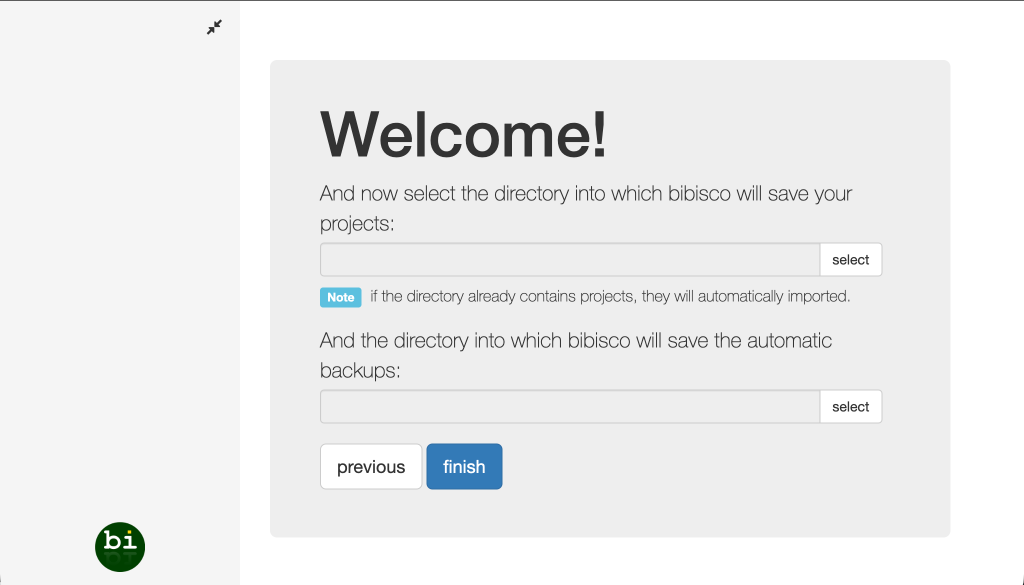
When bibisco starts, select the project directory you were working on as a project directory (Where is my projects directory?).