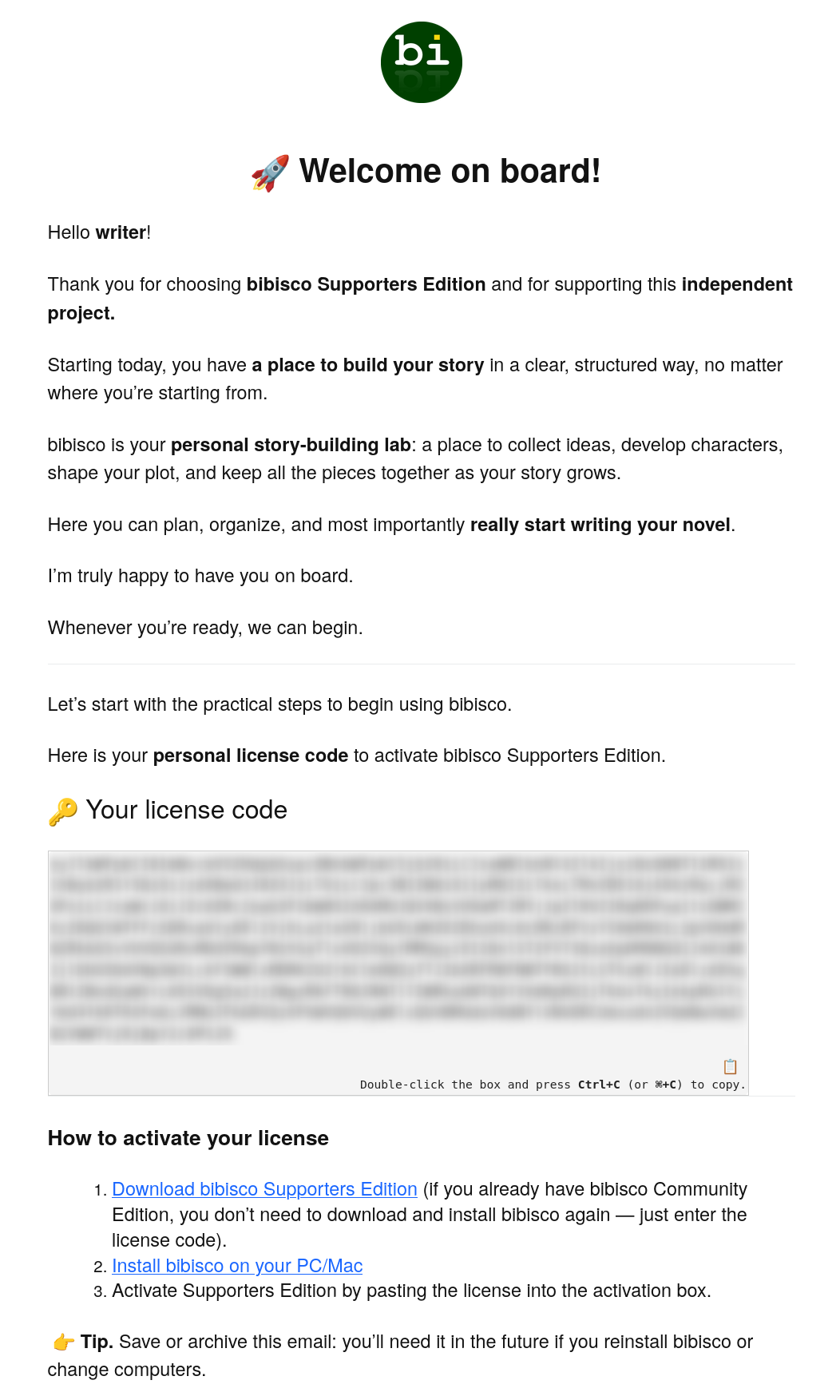
In order to upgrade to the Supporters edition, you will first need to purchase a copy of the Supporters Edition. You should receive a Welcome on board! email once you complete the purchase. If you do not see it, check your Spam folder. This email will include your license code, which you will use to upgrade bibisco.
- Open the Welcome on board! email.
- Copy the contents of the Your license code box.
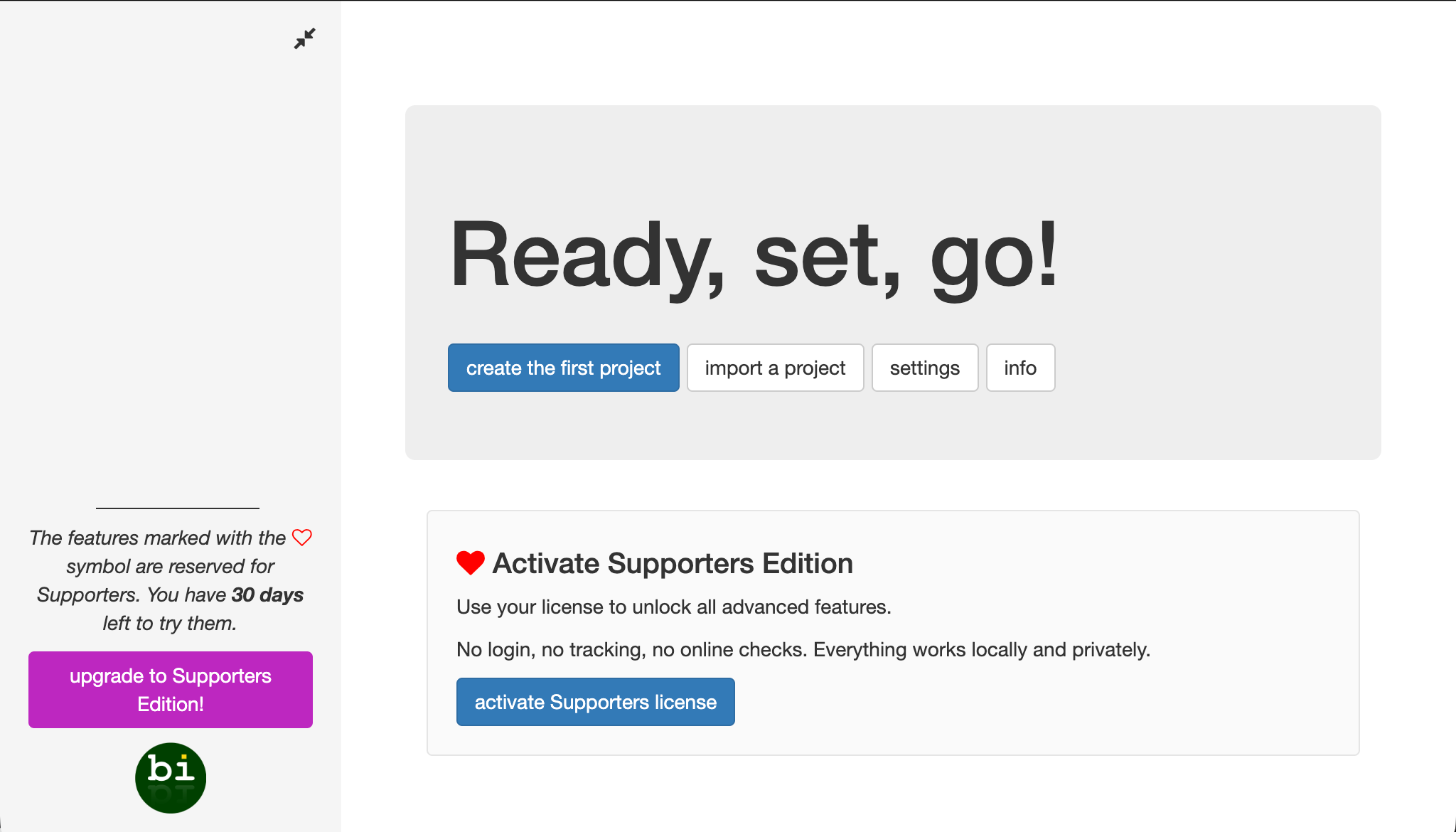
- Open the bibisco app.
- Click the activate Supporters license button.
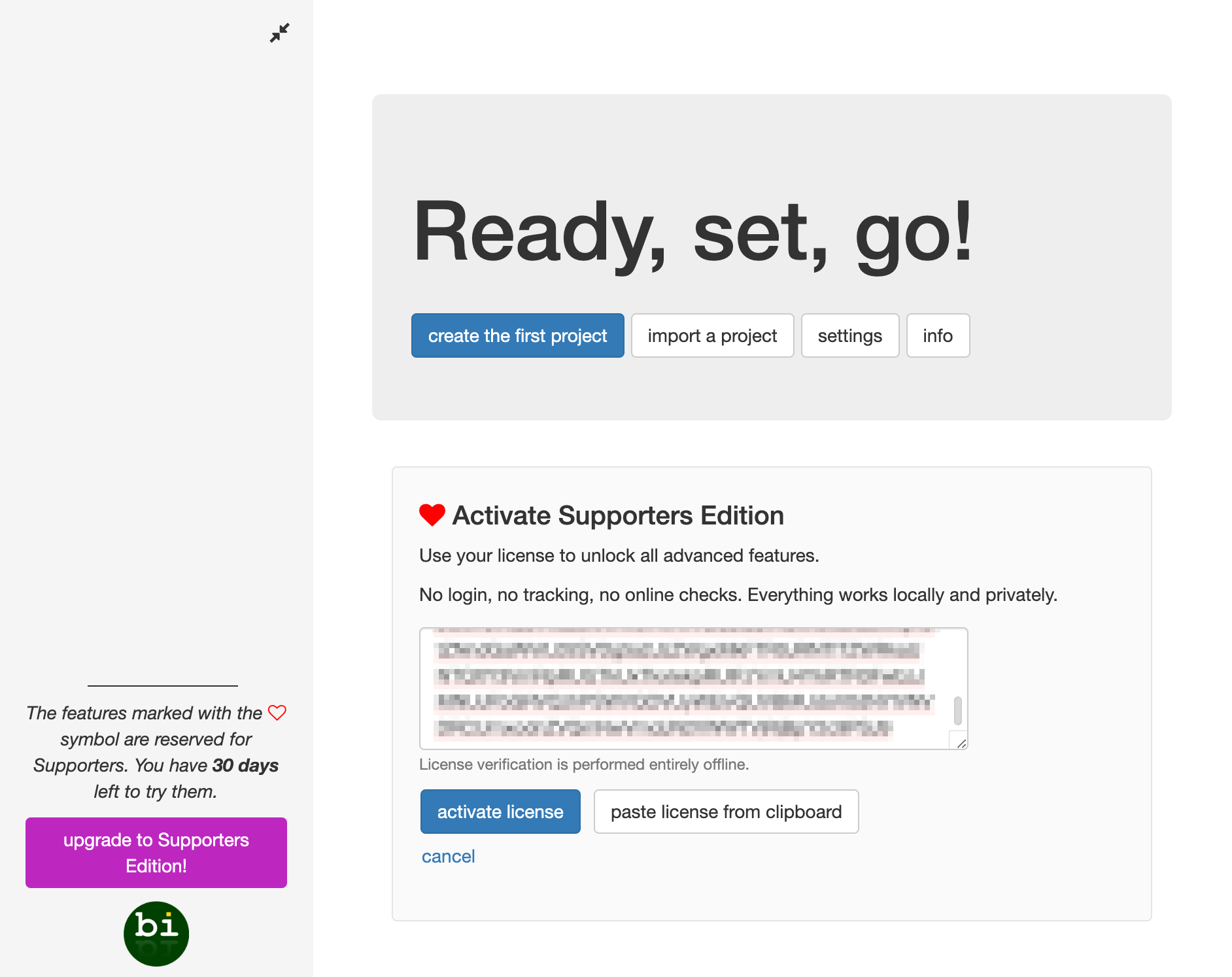
- Paste in your activation code.
- Click the activate license button.
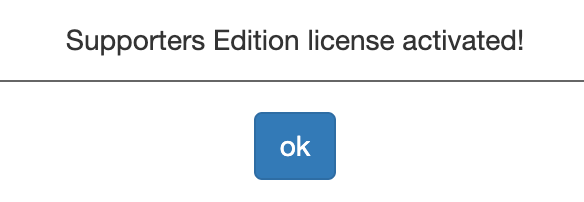
- You should see a notice that says Supporters Edition license activated!
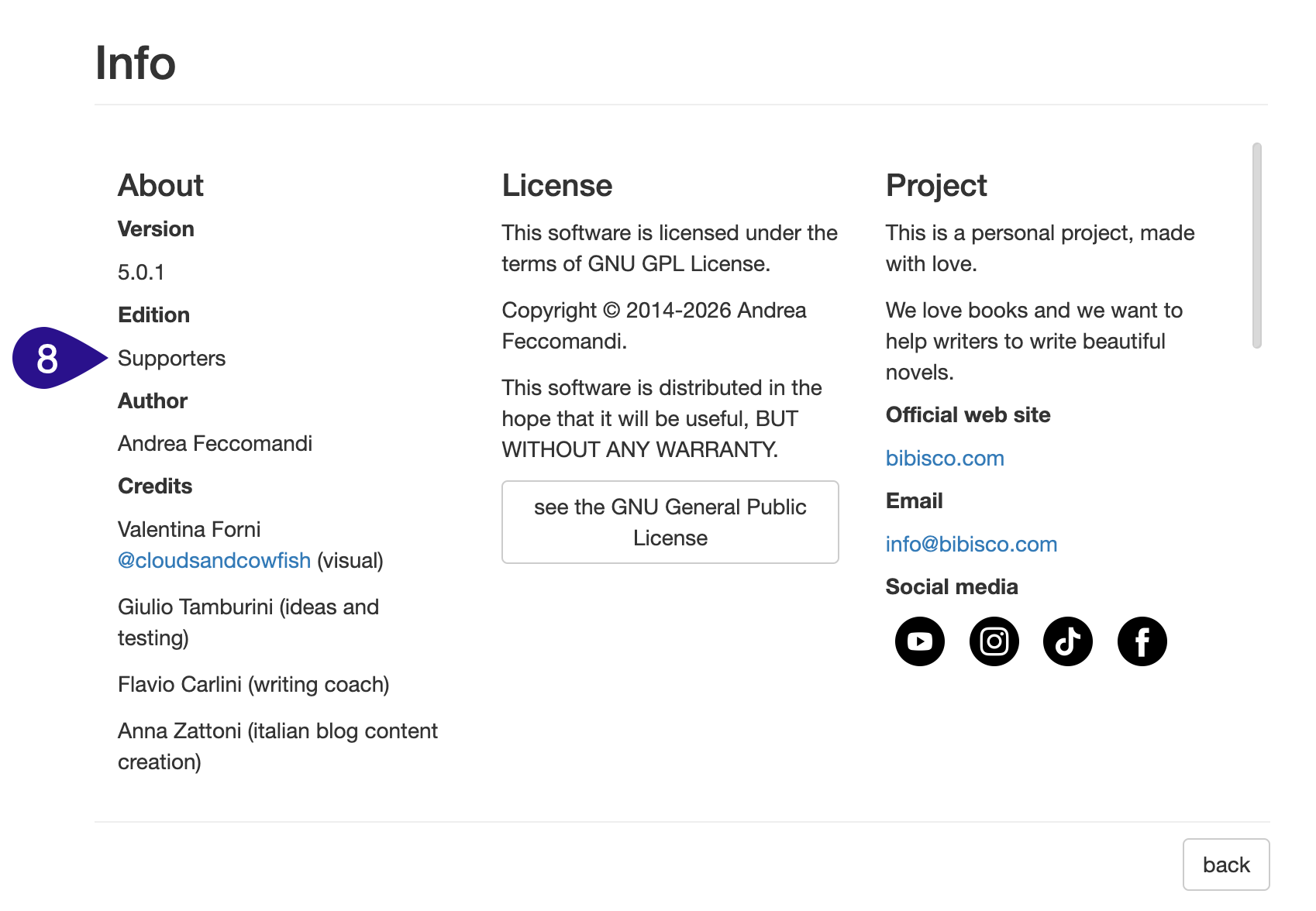
- If you go into the info section, you should see Supporters listed in the Edition section.