
You can download the installer from either the Lemon Squeezy or Gumroad order history, or from the order confirmation email.
- For any orders made after October 18, 2024, follow the steps in the Lemon Squeezy section.
- For any orders made before October 18, 2024 follow the steps in the Gumroad section.
Lemon Squeezy #
For orders made after October 18, 2024.
- Navigate to the Lemon Squeezy My Orders page to access all of your downloads.
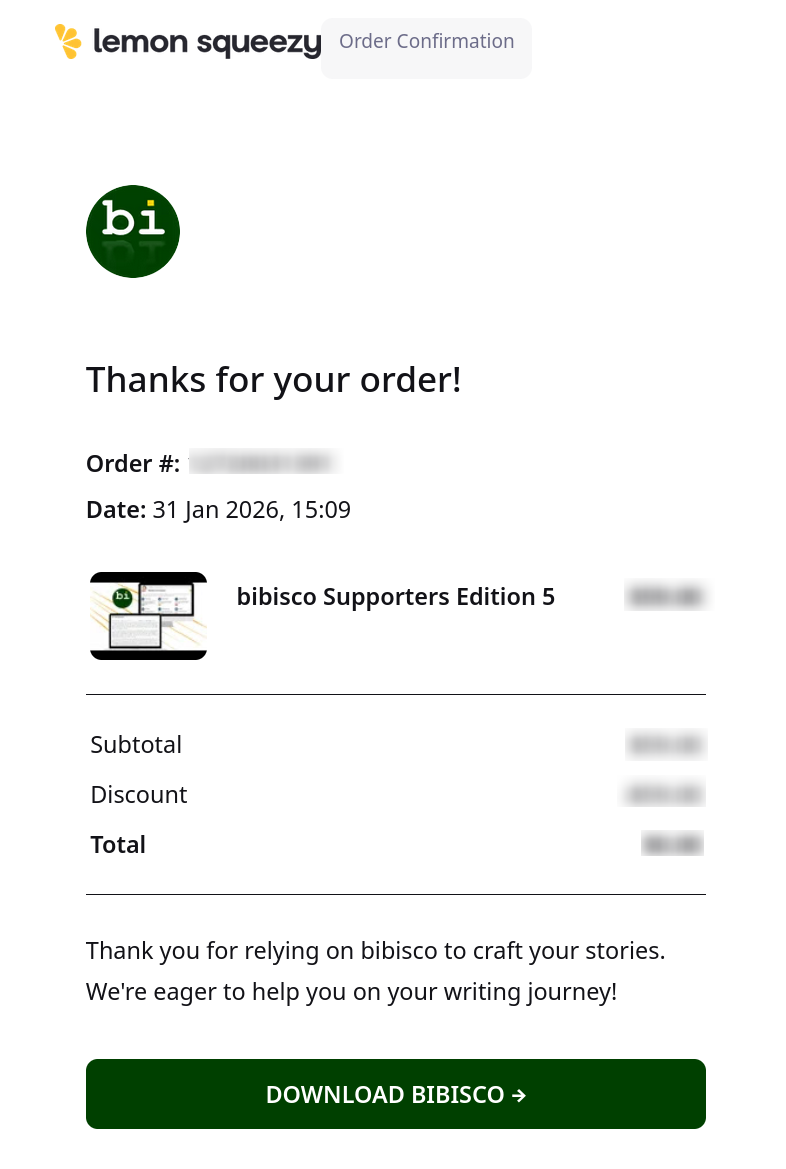
- Clicking the DOWNLOAD BIBISCO → button inside of your original purchase receipt will also take you to the My Orders page.
- Enter the email address you used to order bibisco (including the free Community Edition).
- Click Sign In.
- You will receive an email from Lemon Squeezy if the correct email was entered.
- Click the Sign in to Lemon Squeezy button in the email.
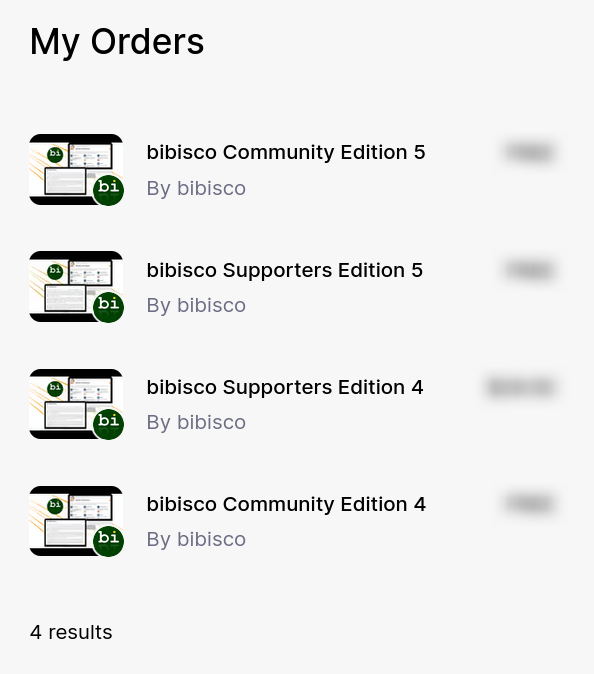
- You will see a list of purchase associated with your Lemon Squeezy account.
- Select the version and edition of bibisco you wish to install.
- Click the Download button next to the version of bibisco you wish to install.
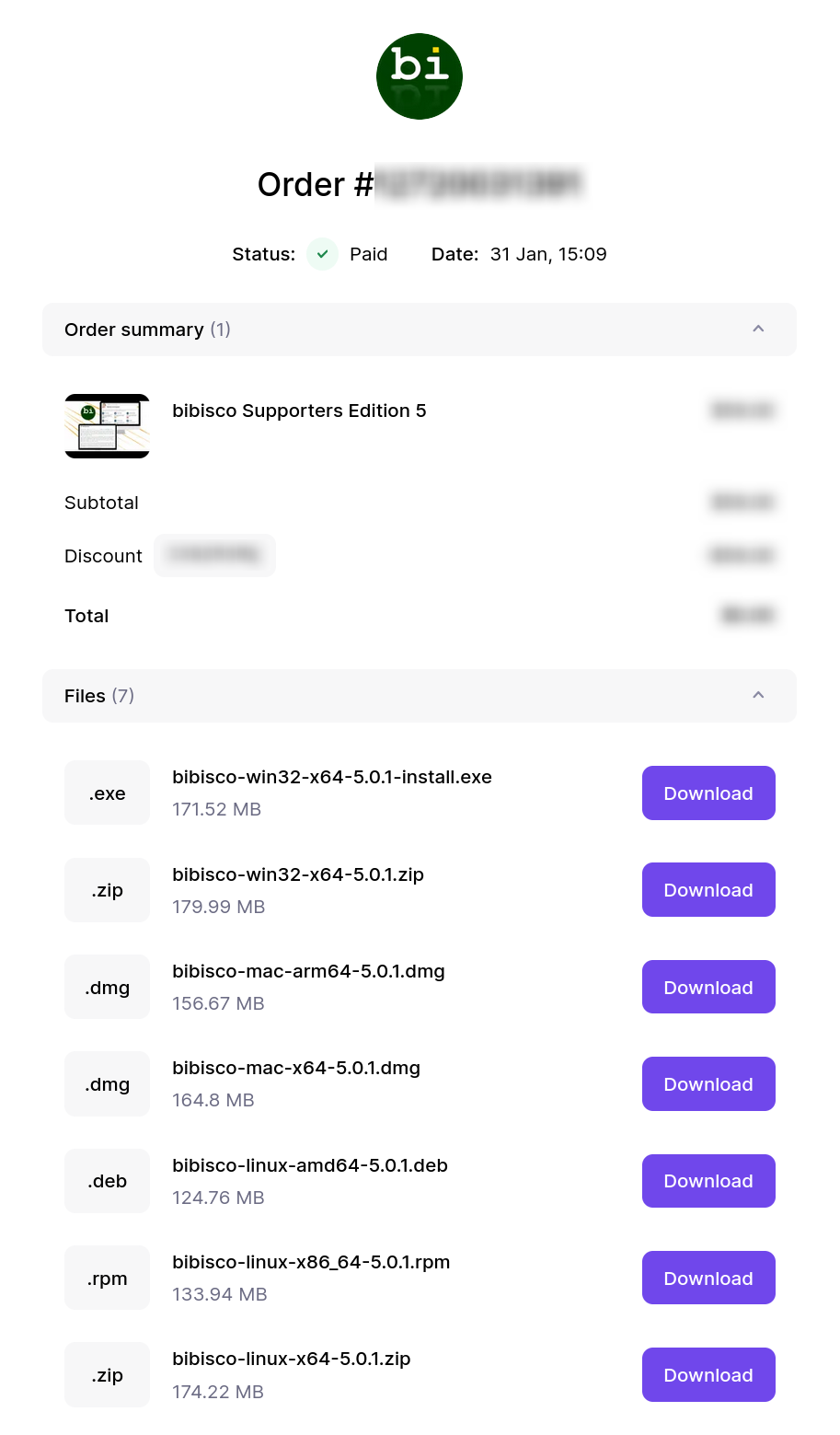
- For Apple Silicon computers, you will download the bibisco-mac-arm64 installer or the bibisco-mac-x64 installer type for Intel. You can read more in our How to install bibisco on macOS article.
Now that you have the correct installation file downloaded, you can follow the rest of the steps in the How to install bibisco article.
Gumroad #
For orders made before October 18, 2024.
Gumroad Library #
Please read through the Your Gumroad Library article for information on accessing your library.
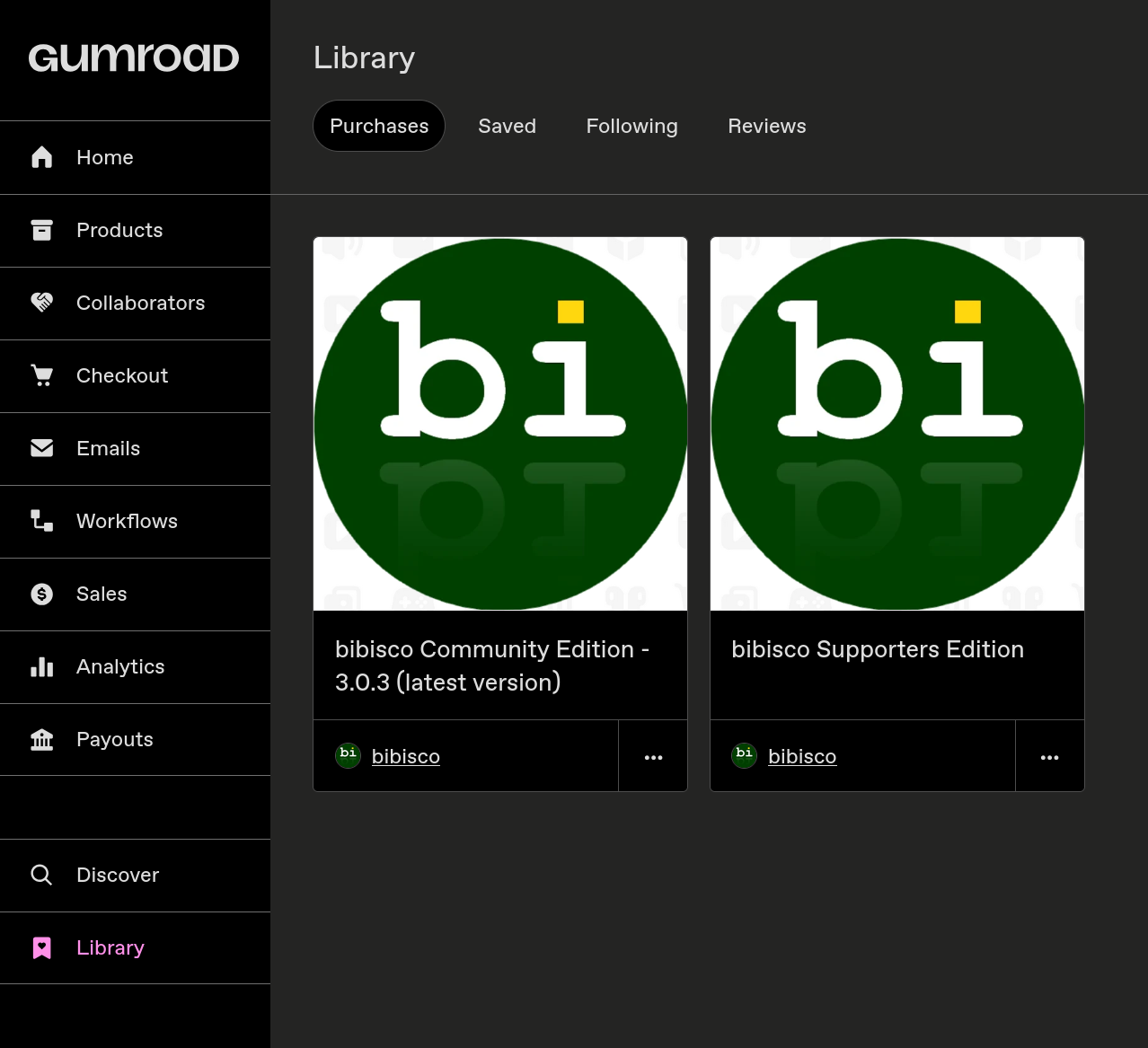
- Access your Gumroad Library, or click the View content or View product button in your original purchase receipt.
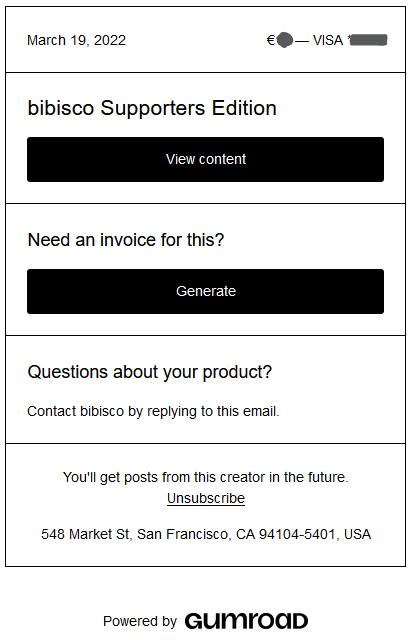
- Select the desired version and edition of bibisco from your Library.
- Click the Download button next to the version of bibisco you wish to install.
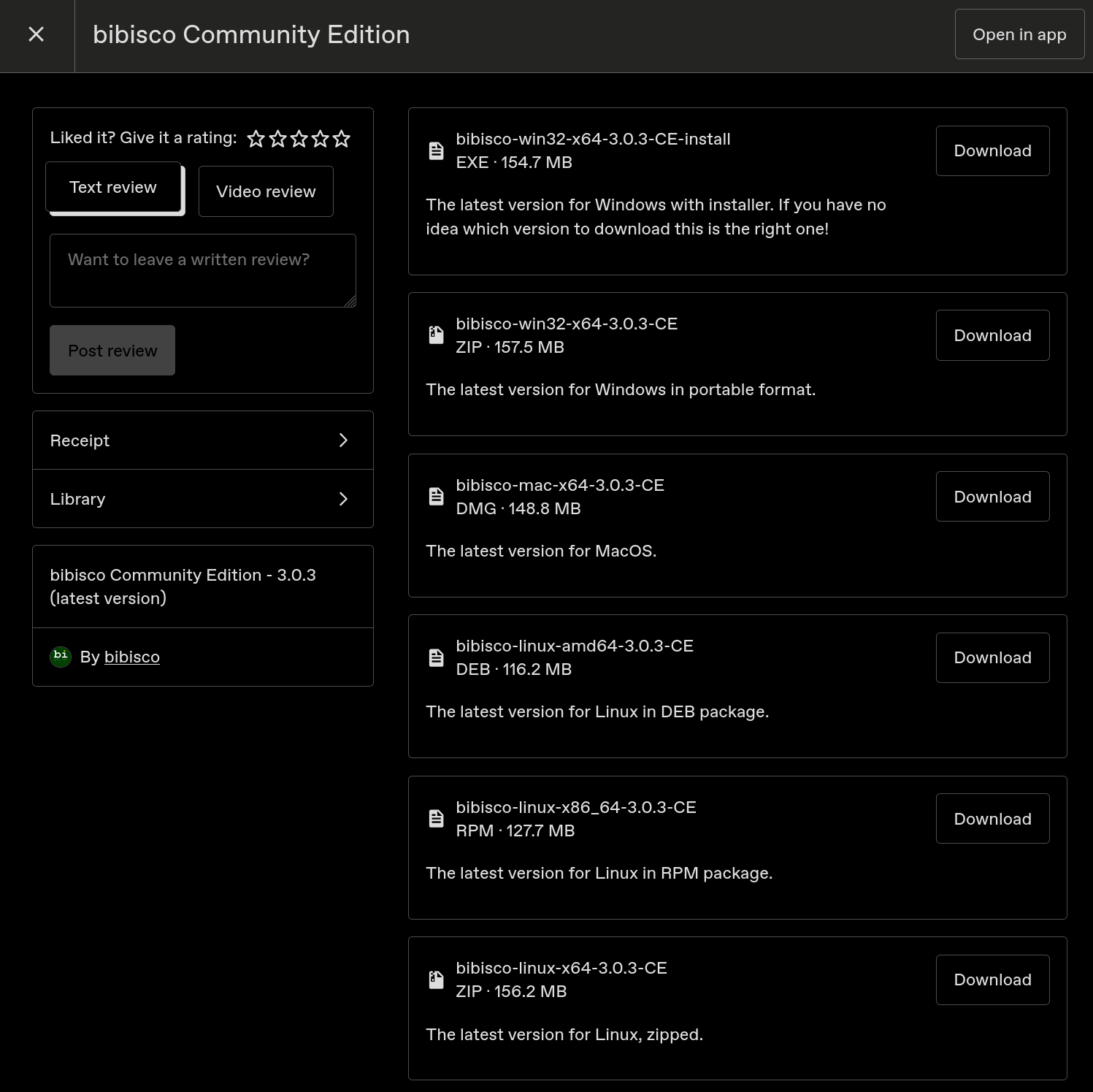
- For Apple Silicon computers, you will download the bibisco-mac-arm64 installer or the bibisco-mac-x64 installer type for Intel. You can read more in our How to install bibisco on macOS article.
Now that you have the correct installation file downloaded, you can follow the rest of the steps in the How to install bibisco article.